How to edit a talking-head video without losing your voice
Choose your best takes, cut mistakes and add useful pictures. A step-by-step guide for videos where you speak to camera.
Plan a recording, choose complete takes, add captions and music, then publish a clear long video or Short.
Choose your best takes, cut mistakes and add useful pictures. A step-by-step guide for videos where you speak to camera.
Learn which pauses to shorten and which to keep. Check your cuts so your speech still sounds natural.
Find speech fillers, keep meaningful qualifications and review each audio and picture cut. A practical guide for solo videos.
Check the words, timing, size and colours of your captions so viewers can read them easily, including on a phone.
Choose extra footage that helps explain your point. Learn when to use your own clips, stock footage or AI-made images.
Pick one clear idea from a longer video. Make sure it makes sense on its own, then check the picture, captions and sound.
Find out what a video editor keeps on your computer and what it sends online. Check recordings, written speech, accounts and backups.
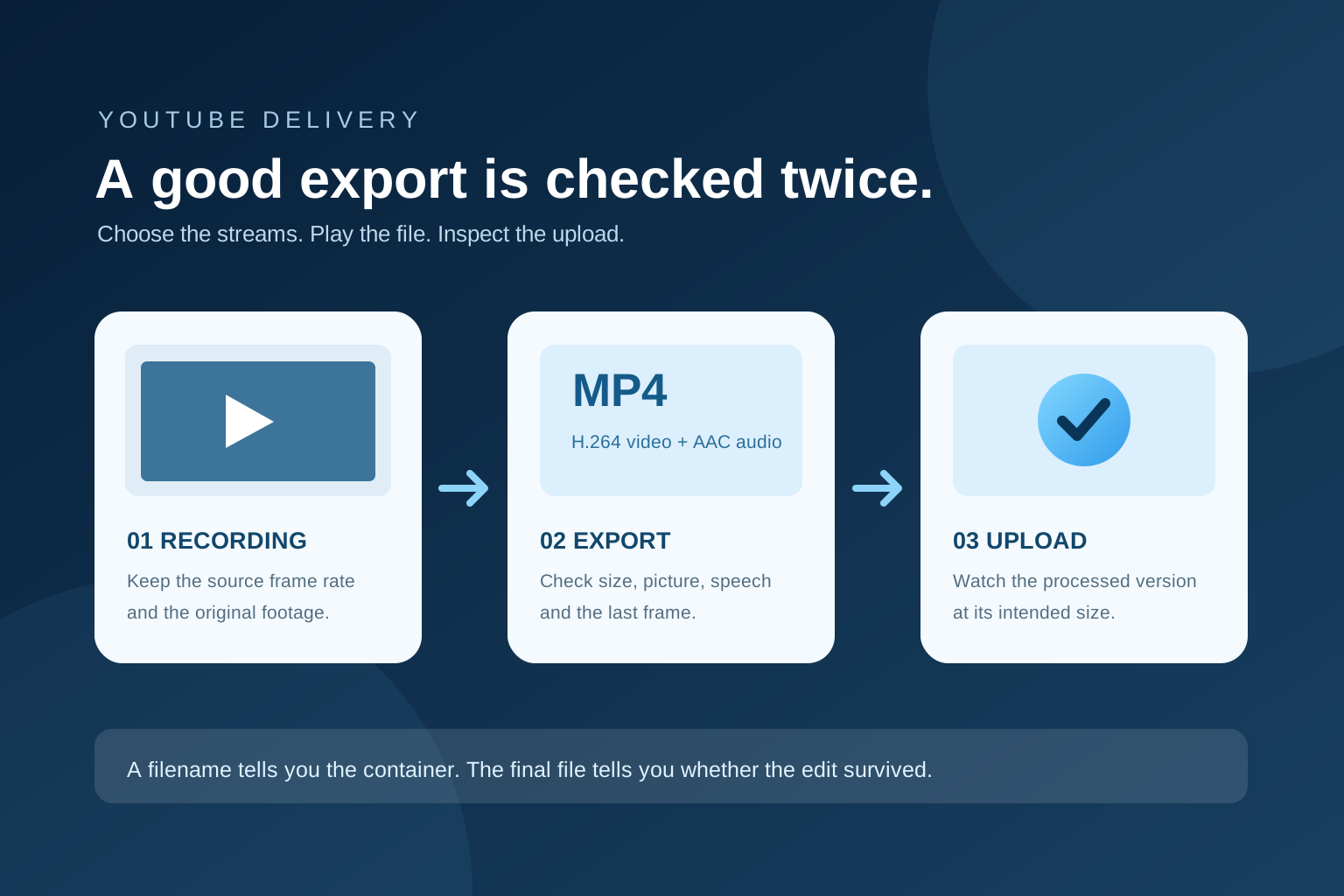
Understand MP4, video codecs, frame rates and bitrate for YouTube uploads. Use a clear export checklist and check the finished file before publishing.
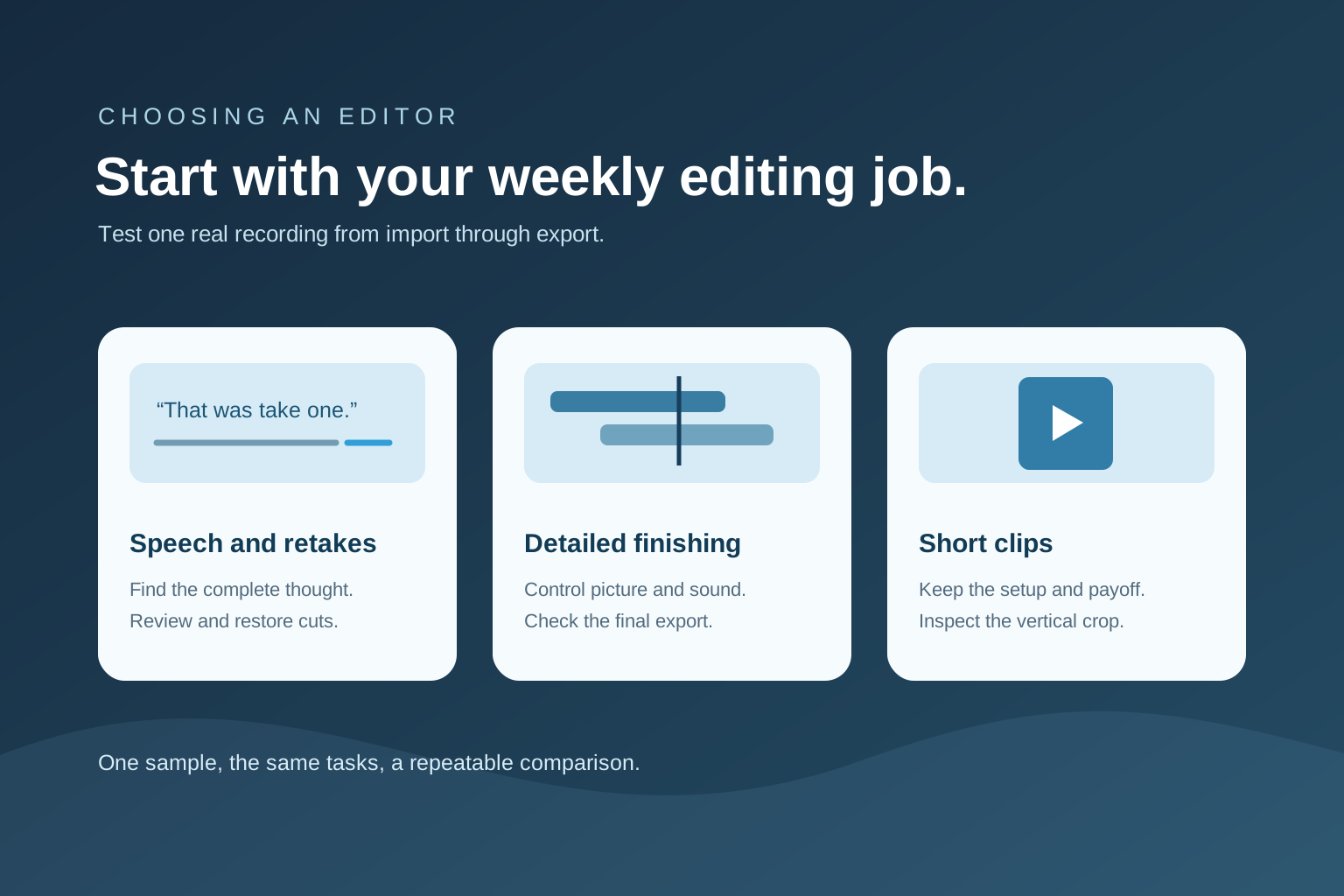
Compare editing approaches for YouTube: full timeline editors, transcript editors and quick rough-cut tools. Use a practical checklist to choose a fit.
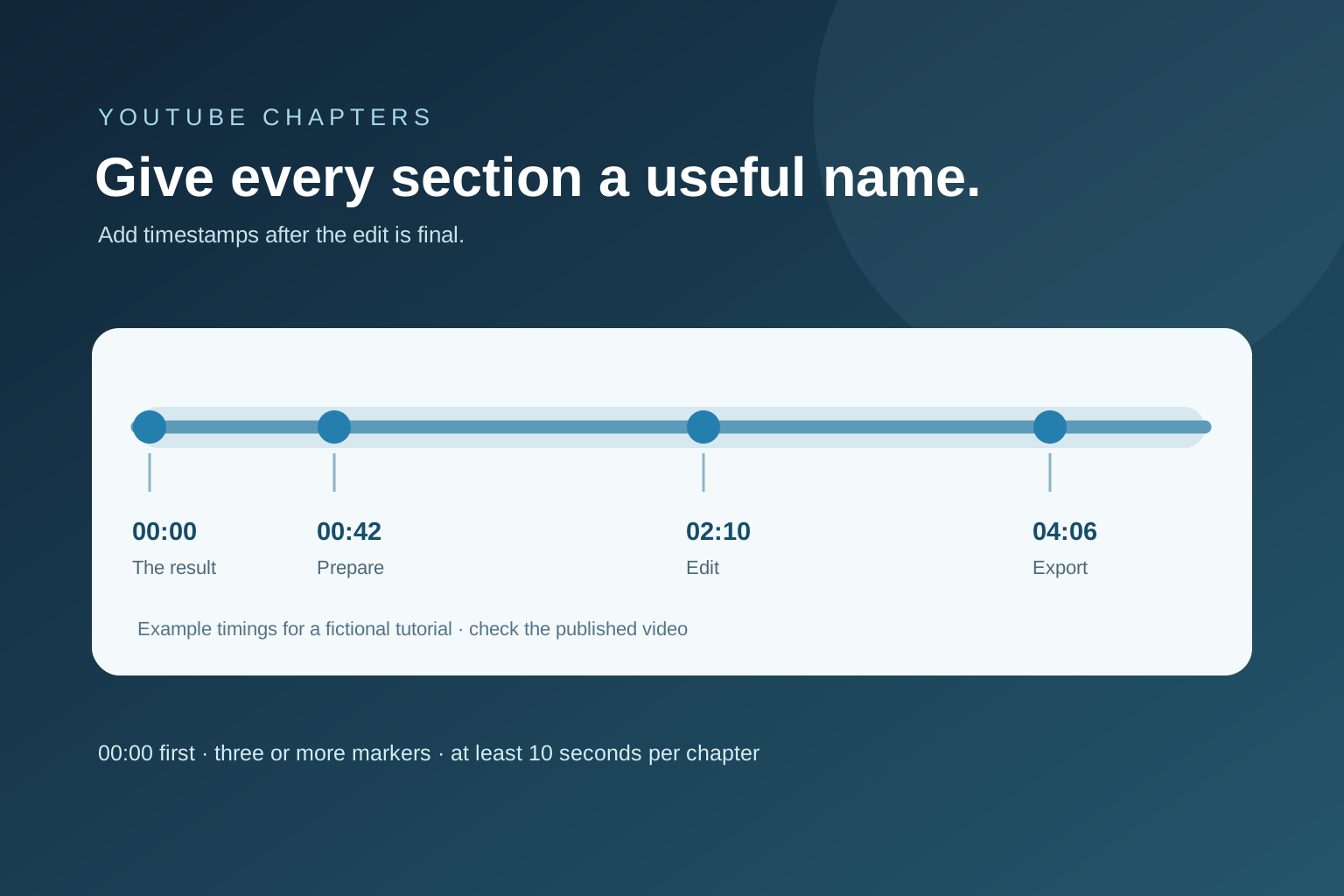
Add chapters to a YouTube description with a correctly ordered timestamp list. See a worked example and fixes when chapters do not appear.
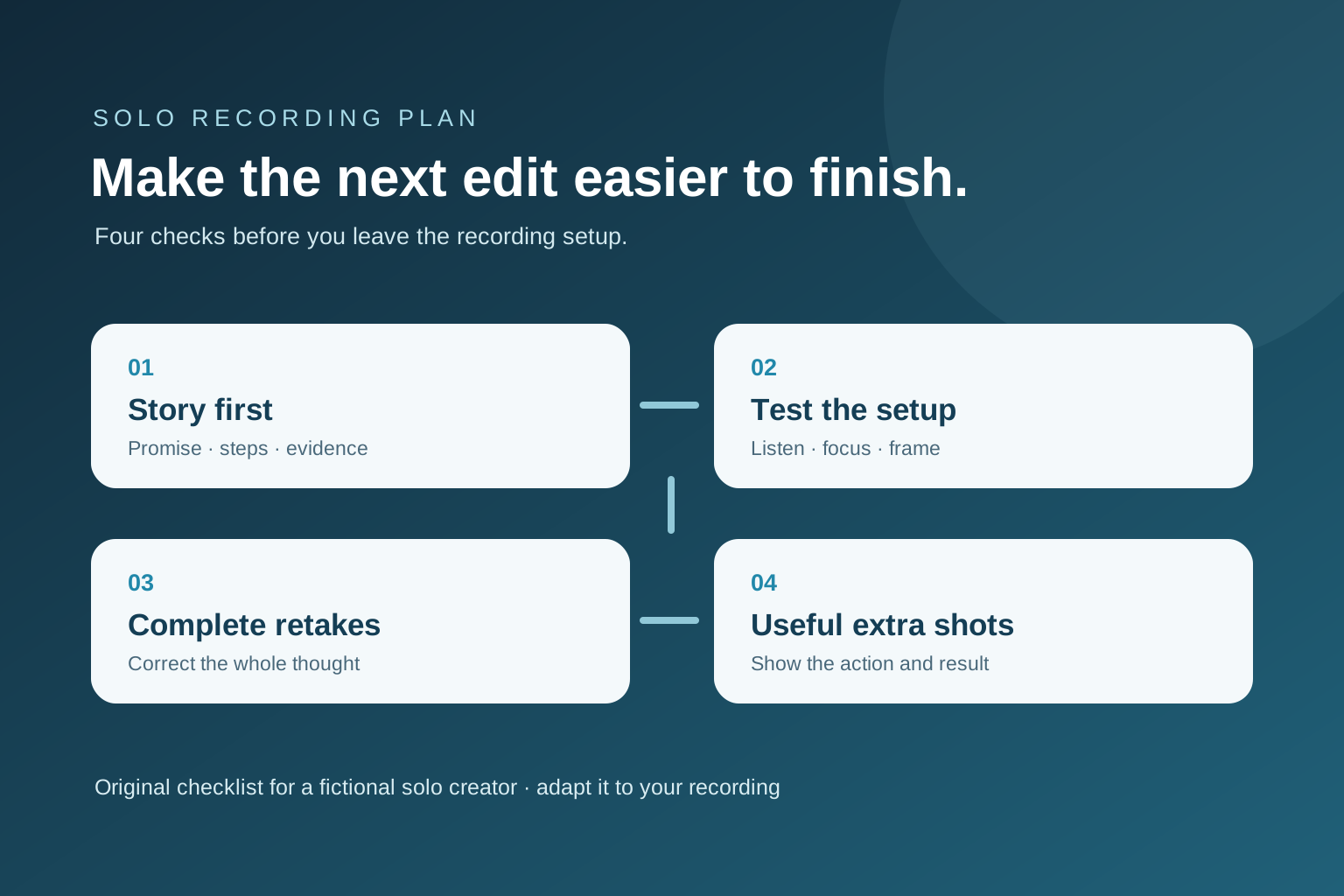
Plan and record a solo YouTube video with clear speech, steady framing, useful retakes and a simple shot list. Includes a practical recording checklist.
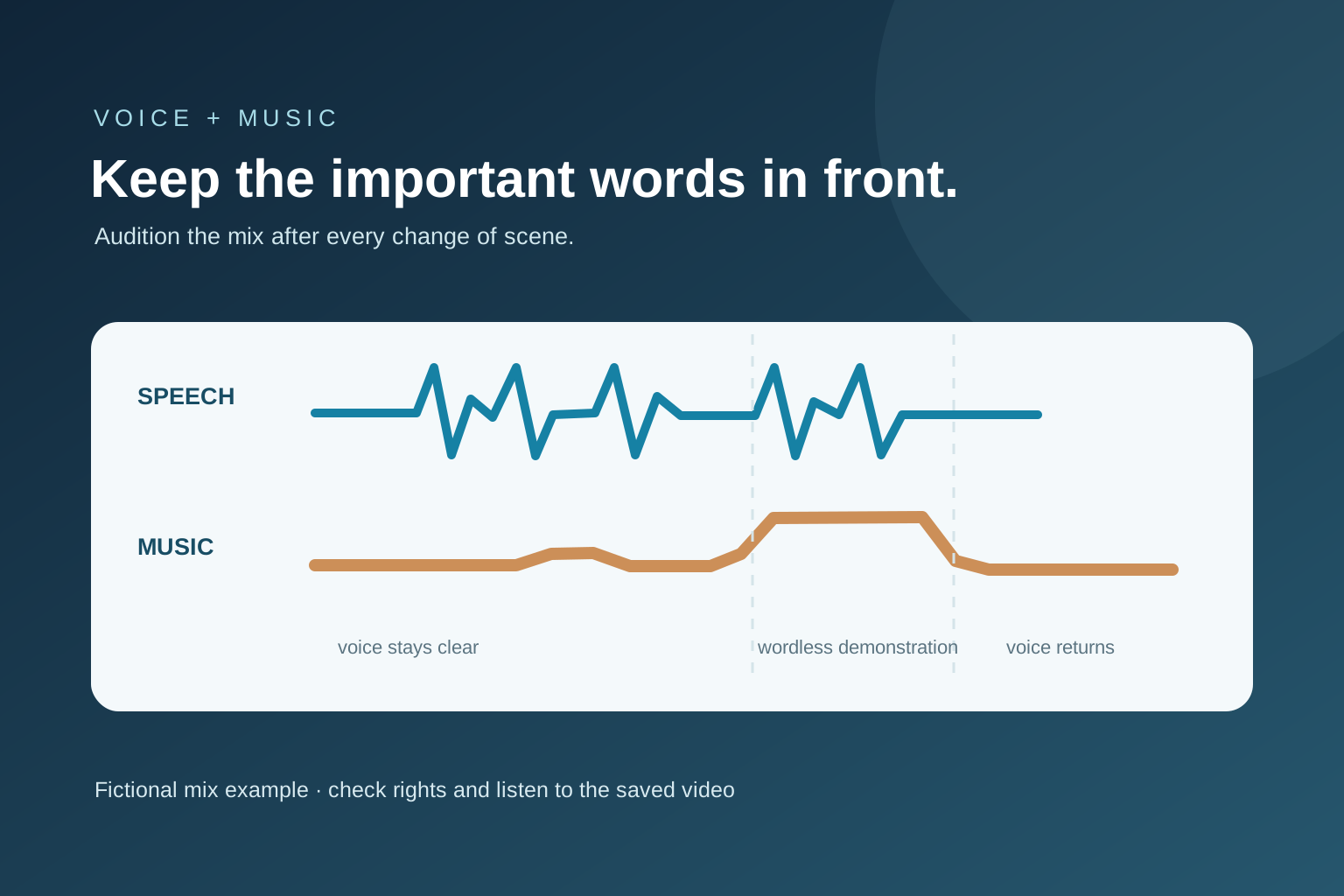
Add music before upload or in YouTube Studio, check the track's licence, and listen to the finished mix so your voice remains clear.
Editing tips from Motionlark. The examples are made up to explain each technique.