How to add music to a YouTube video without burying speech
You can add music while editing the original video, or add an Audio Library track to an uploaded video in YouTube Studio on a computer. Which route you choose depends on how much control you need over the mix. Either way, use a track you have permission to use and listen to the finished video with speech, not just the music by itself.
Choose whether to add music before or after upload
Add music in your video editor before export when you need to place a cue against a cut, fade under a spoken sentence or make separate long and short versions. Review the exported file locally so the upload contains the exact mix you approved. Keep an unmodified copy of the source recording and a saved project version if you may want to change the music later.
If the video is already uploaded, YouTube Studio's desktop Editor offers an Audio control for adding songs from YouTube's Audio Library. YouTube's current help says the mobile YouTube app cannot change an uploaded video's audio track. This is a publishing option, not a claim that Motionlark uploads or edits a video inside YouTube for you.
Check the music's permission and attribution
Music being easy to find does not mean it is cleared for your upload. YouTube's Audio Library provides tracks and sound effects for videos; its help page explains how to filter tracks and whether attribution is required. Read the terms for the exact track before placing it in a client project, a paid promotion or a Short.
If you bring music from another library, retain the licence information with your project. Do not assume that a song used in a Short can automatically be placed in a longer upload on the same terms. A claimed track can affect distribution, especially for longer Shorts, so check the rights and the finished upload rather than relying on the source file name.
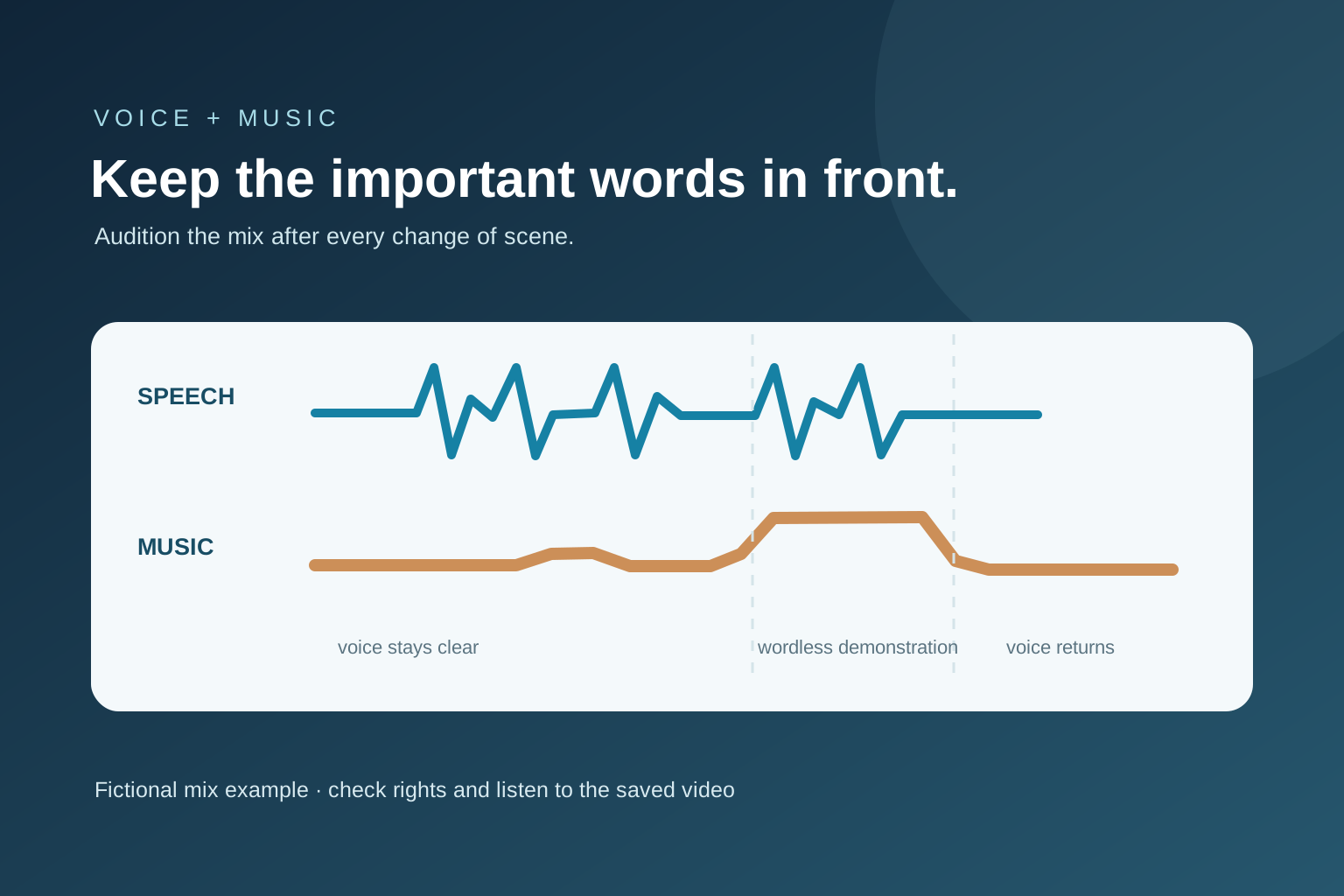
A fictional tutorial begins with music at full level while the speaker gives the one sentence that explains the result. The listener misses the tool name.
Lower or delay the music, check the sentence on a phone speaker, then bring the track up only during the wordless screen demonstration. Listen again across the return to speech.
Invented mix example. The useful test is whether the important words remain understandable in the finished file.
Add an Audio Library track in YouTube Studio
On a computer, sign in to YouTube Studio, open Content and choose the video. Open Editor, then Audio; preview a song and select Add. YouTube's help describes dragging the track to change its start and dragging its edges to choose how much plays. Save only after checking the placement against your video.
YouTube says this Editor feature applies to videos shorter than six hours. Its help also notes restrictions on saving edits to some videos with more than 100,000 views and says the old Revert to original feature is unavailable for edits saved from June 2025 onward. Read the linked YouTube instructions again before changing an important published upload, because the interface and rules can change.
Listen to the voice and music together
Start with speech: the viewer should understand a normal sentence without straining. Bring music in beneath the voice, then listen on headphones and a small speaker or phone. A track that feels quiet in one device can compete with consonants or captions on another. Adjust the balance in the editor when you need more precise control.
Check the first and last seconds, every transition into speech and any moment where the music becomes busy. A fade can prevent a sudden start or stop, but it does not solve a track that is consistently too loud. If the video is a demonstration with important sounds, leave space for those sounds rather than laying music across the entire runtime.
- I have permission to use this exact track in this video.
- Any required artist credit is in the description.
- Speech is clear on headphones and a small speaker.
- Music starts and ends intentionally.
- The saved upload or exported file matches the mix I approved.
Keep music in its place in the editing workflow
Choose the complete spoken take and repair abrupt cuts before using music to make the rough sequence feel finished. A soundtrack cannot restore a missing qualification or make a confusing tutorial step clear. Add music only where it improves the viewer's understanding or the video's pace.
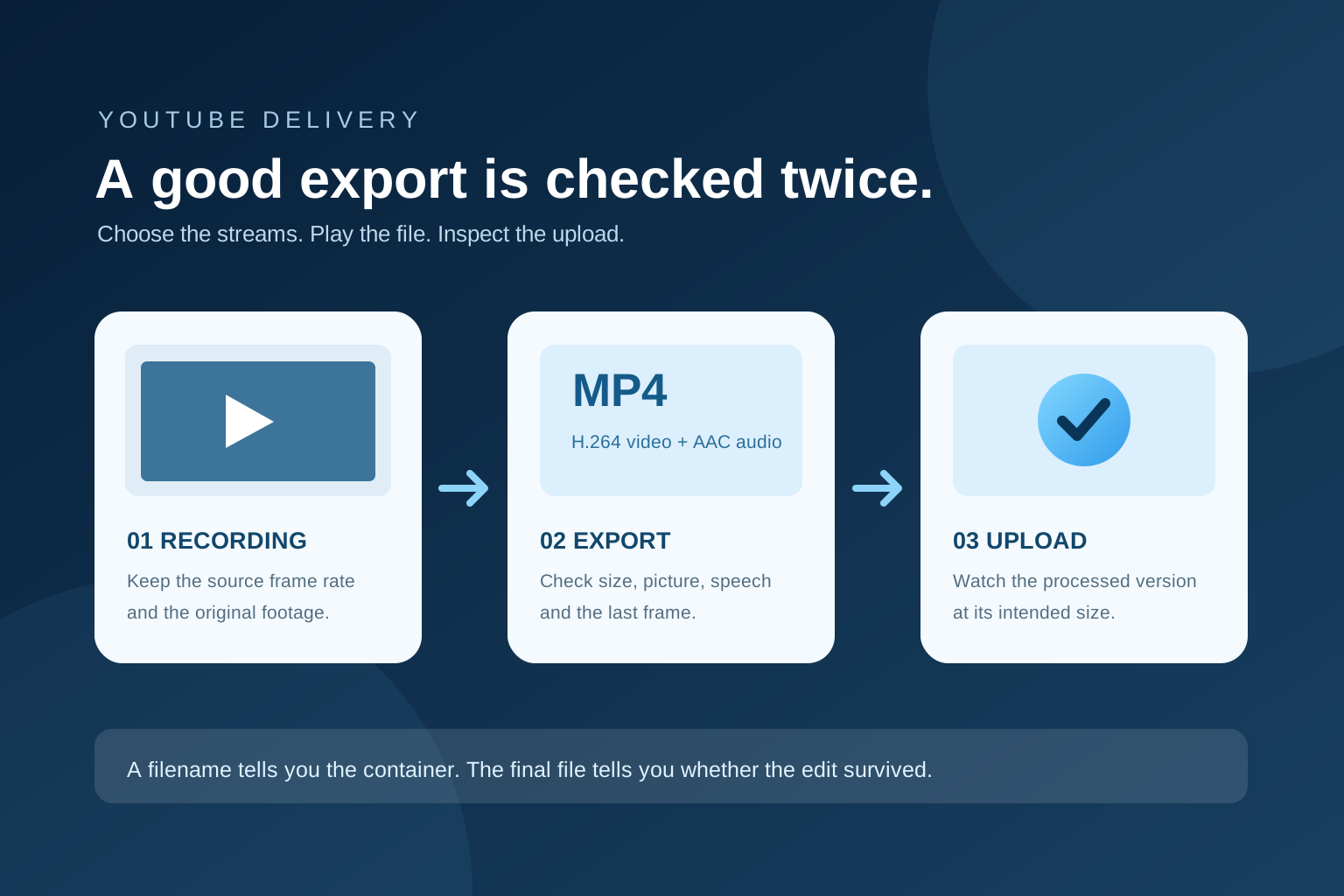
For an original spoken recording, follow the YouTube editing plan on this site before export. The export-format guide covers the picture and audio streams in the delivered file. Motionlark's download page shows current Mac availability; this article explains a general publishing workflow and YouTube Studio's own controls.
Further reading
Checked 30 September 2026. Platform requirements can change.
Make your next edit simpler.
Read more about editing with Motionlark.
Download for Mac Check the YouTube export